 markkwsu
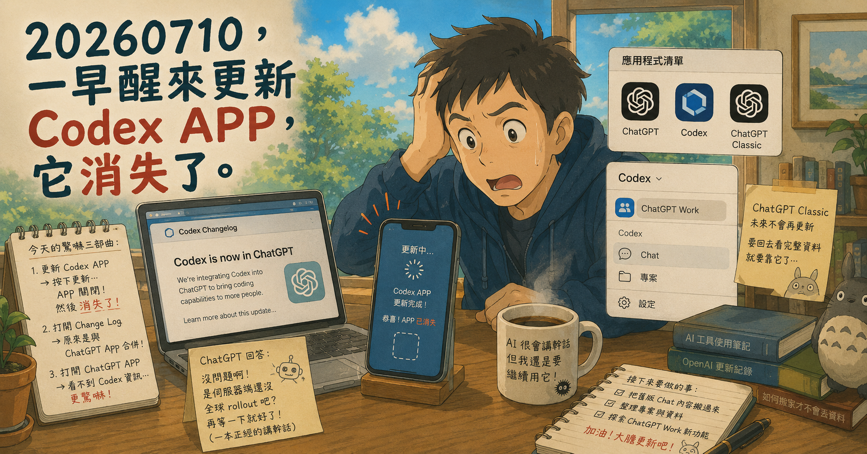
As someone who uses AI tools every day, checking for updates has become part of my daily routine. But this morning’s Codex App update gave me quite a scare.
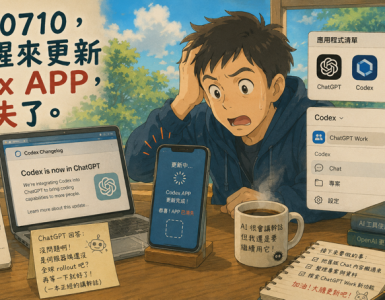
After launching the Codex App, I saw an Update button. I clicked it, the app closed… and then it was simply gone.
Still in shock, I opened the Codex changelog to see what had happened. It turned out that OpenAI had merged the standalone Codex App into the ChatGPT App. Relieved, I launched ChatGPT—only to discover that there was absolutely no sign of Codex anywhere.
I asked ChatGPT what was going on, and it confidently replied:
“Everything looks fine. Your ChatGPT app is already up to date. You’re probably just waiting for the server-side rollout to reach your region. Give it a little more time.”
AI really does have a talent for delivering nonsense with absolute confidence.
If OpenAI’s global deployment process really worked like that, I think the entire deployment team would have some serious explaining to do.
So I decided to take the risk. I went back to the Codex download page, downloaded the newly integrated ChatGPT App, and installed it from scratch.
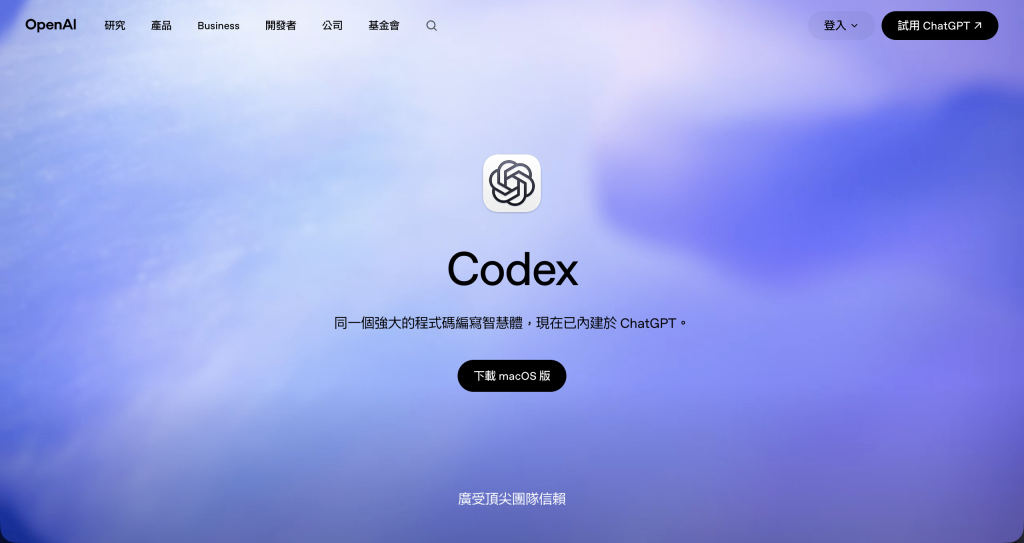
During the installation, I was even asked whether I wanted to keep the old Codex app icon. After that, my Applications folder looked completely different.
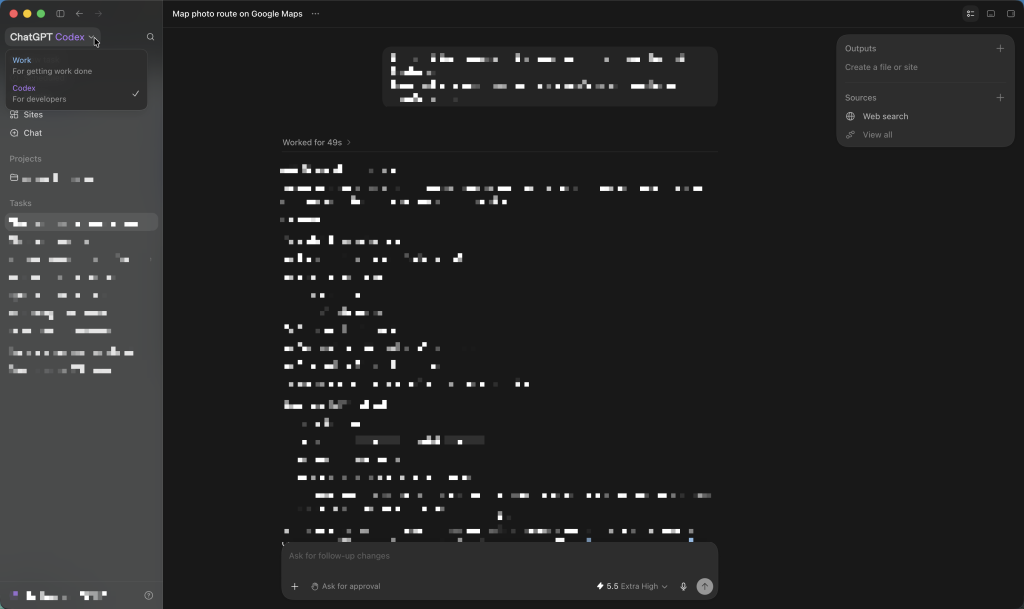
To my relief, the familiar Codex interface finally returned.
I also noticed a new ChatGPT Work option in the drop-down menu. The conversations that used to appear in the ChatGPT App are now accessible through the Chat option. However, one thing is missing: the projects I had previously created in the ChatGPT App.
If I want to access all of my previous data, I still have to open the separate ChatGPT Classic app. Unfortunately, that app will no longer receive updates, so it’s probably time to figure out how to migrate everything over to the new ChatGPT App.
This change appears to be part of OpenAI’s rollout of ChatGPT Work, combining the standalone Codex experience with regular Chat into a single application. To be honest, it feels very similar to the direction Claude’s desktop app has taken.
That said, the migration experience itself was… less than ideal.
In any case, the mystery has been solved.
If you’re hesitating to update because you’re worried your Codex App might disappear as well, don’t panic. Based on my experience, simply download the latest integrated ChatGPT App and reinstall it. It should bring everything back.
Now it’s time for me to figure out how to migrate all of my old ChatGPT data into the new app.










Add comment